
These are the steps to update your username:
- In your AMS Dashboard, click on the profile icon and go to the setting of the account.
- Click Update AC Username then enter your current password.
- Enter your preferred username and confirm the username by clicking Get OTP.

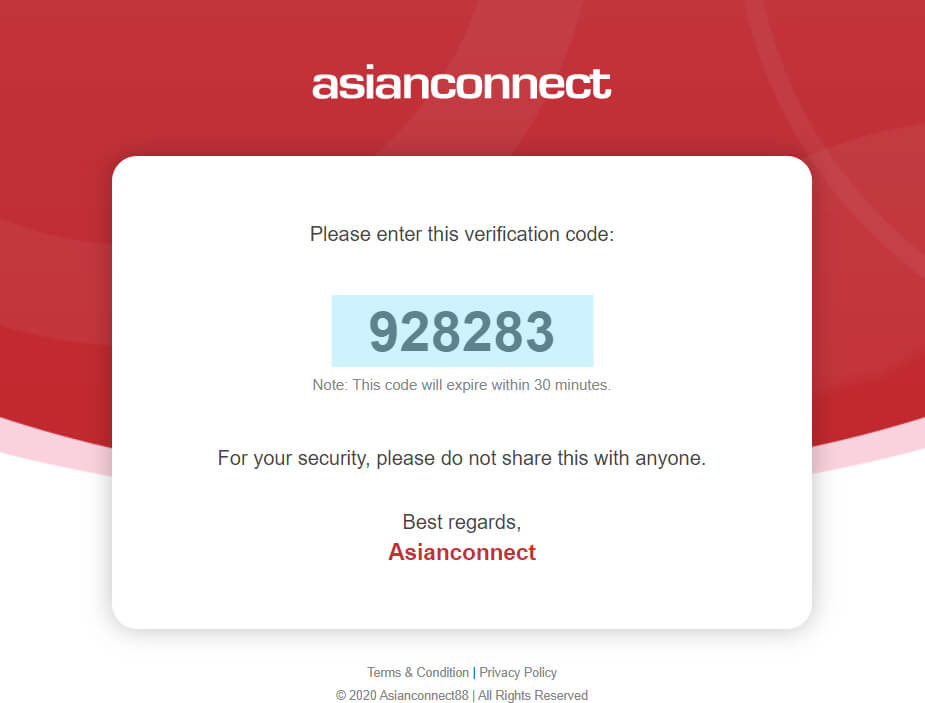
- Check your registered email afterwards. Enter the OTP Code and click the Update button.

Comments
0 comments
Please sign in to leave a comment.